For interior designers & architects
Your Design.
Enhanced by Intelligence.
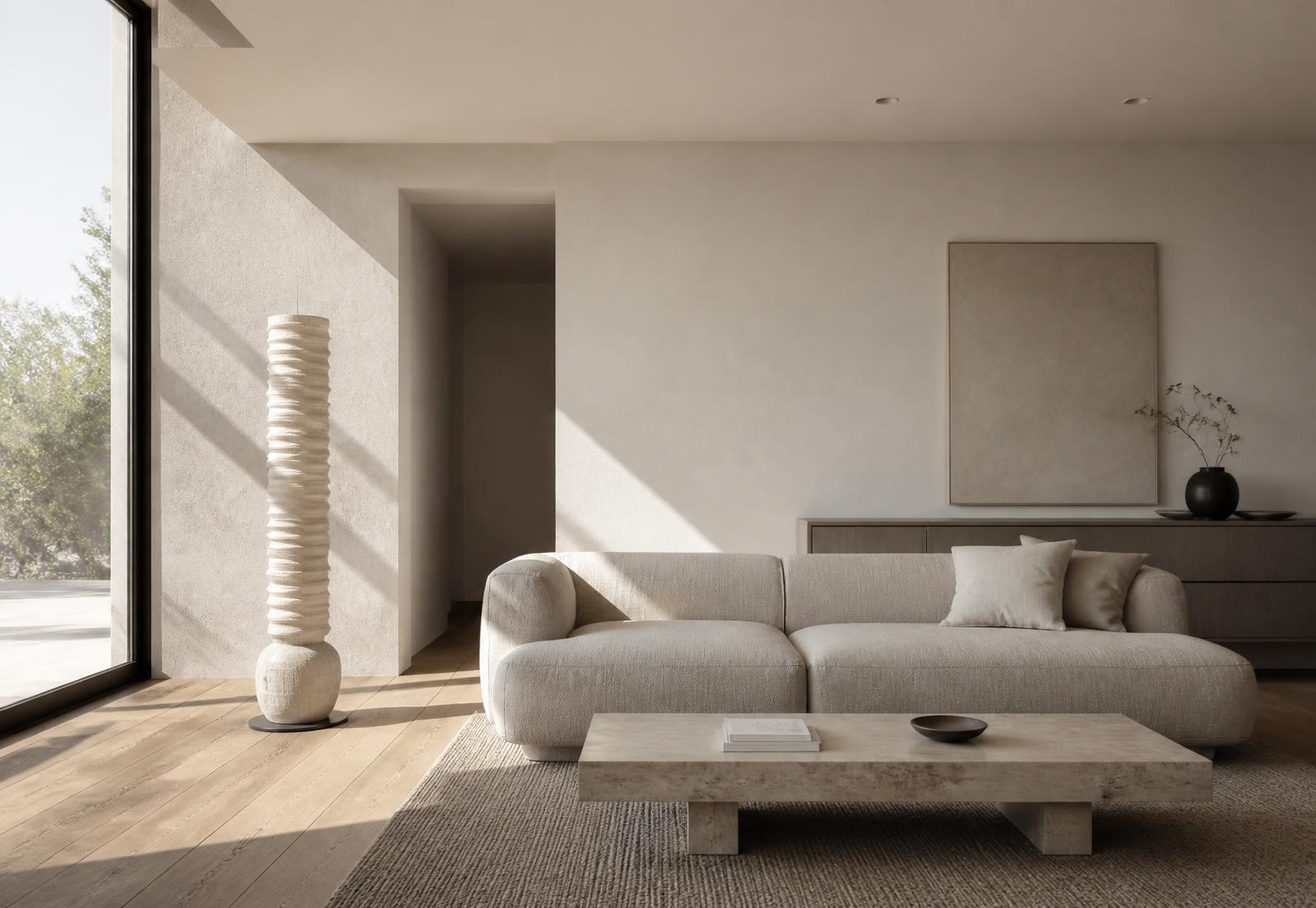
Create photorealistic visualizations, explore design alternatives, replace real products and turn your renders into cinematic experiences.
- 01
AI Render
Photorealistic output from your own render, materials intact.
- 02
AI Edit
Change one element, precisely, and keep everything else.
- 03
Design Variations
Four considered alternatives, side by side.
- 04
Product Replace
Place a real, specified product into the scene.
- 05
AI Video
A controlled camera move through the finished space.
The workflow
From concept to final visualization.
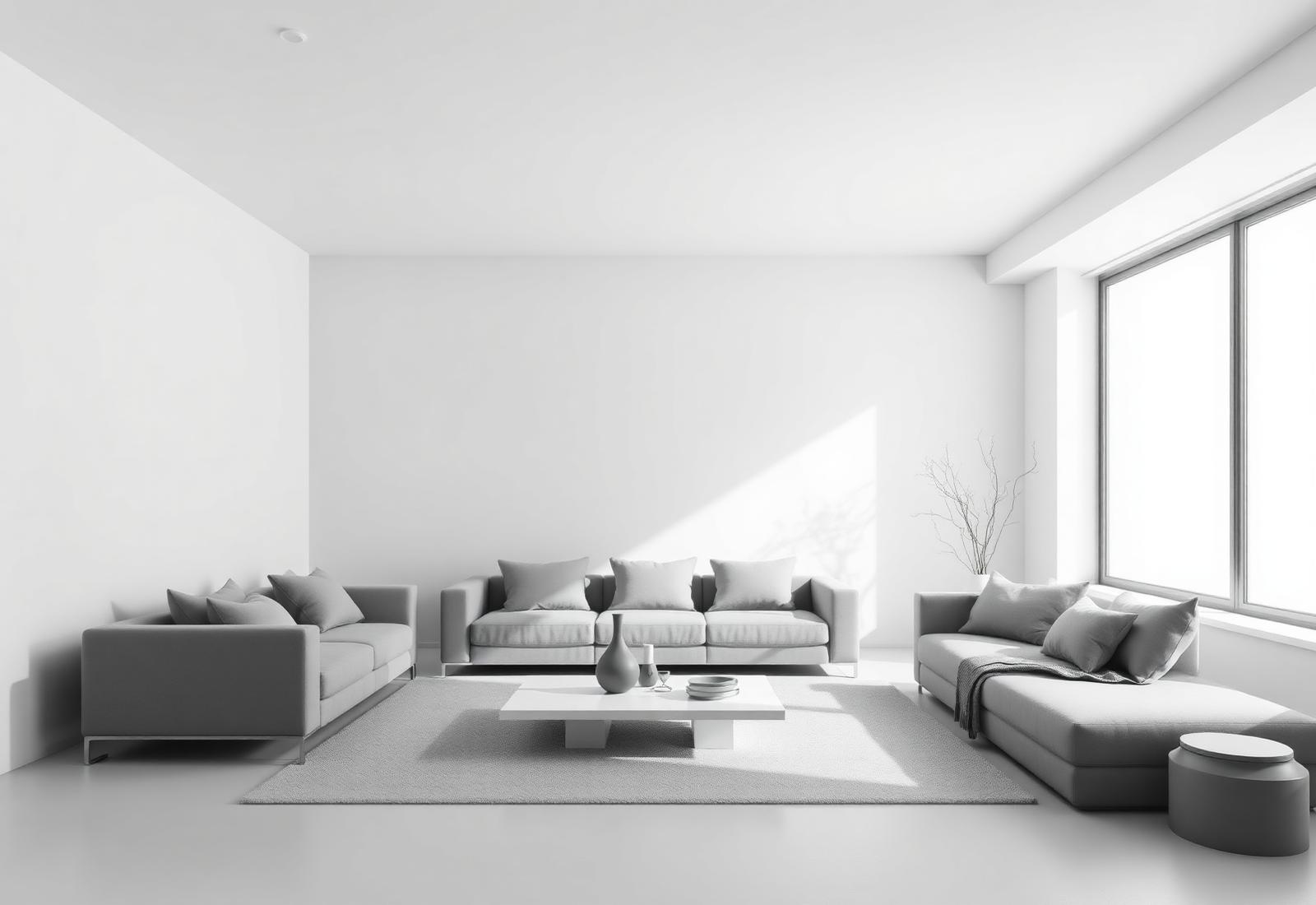
DesignMate sits inside the way visualization work already happens — one project, one intelligent workspace, from the first clay render to the final client film.
- 01
Upload
Bring your render, photograph or model view.
- 02
Describe
Write the change in Georgian or English, plainly.
- 03
Understand
DesignMate translates it into a professional instruction.
- 04
Generate
Locked architecture, camera and composition.
- 05
Compare
Original against each option, at full size.
- 06
Refine
Iterate until it is presentation-ready.
AI Video
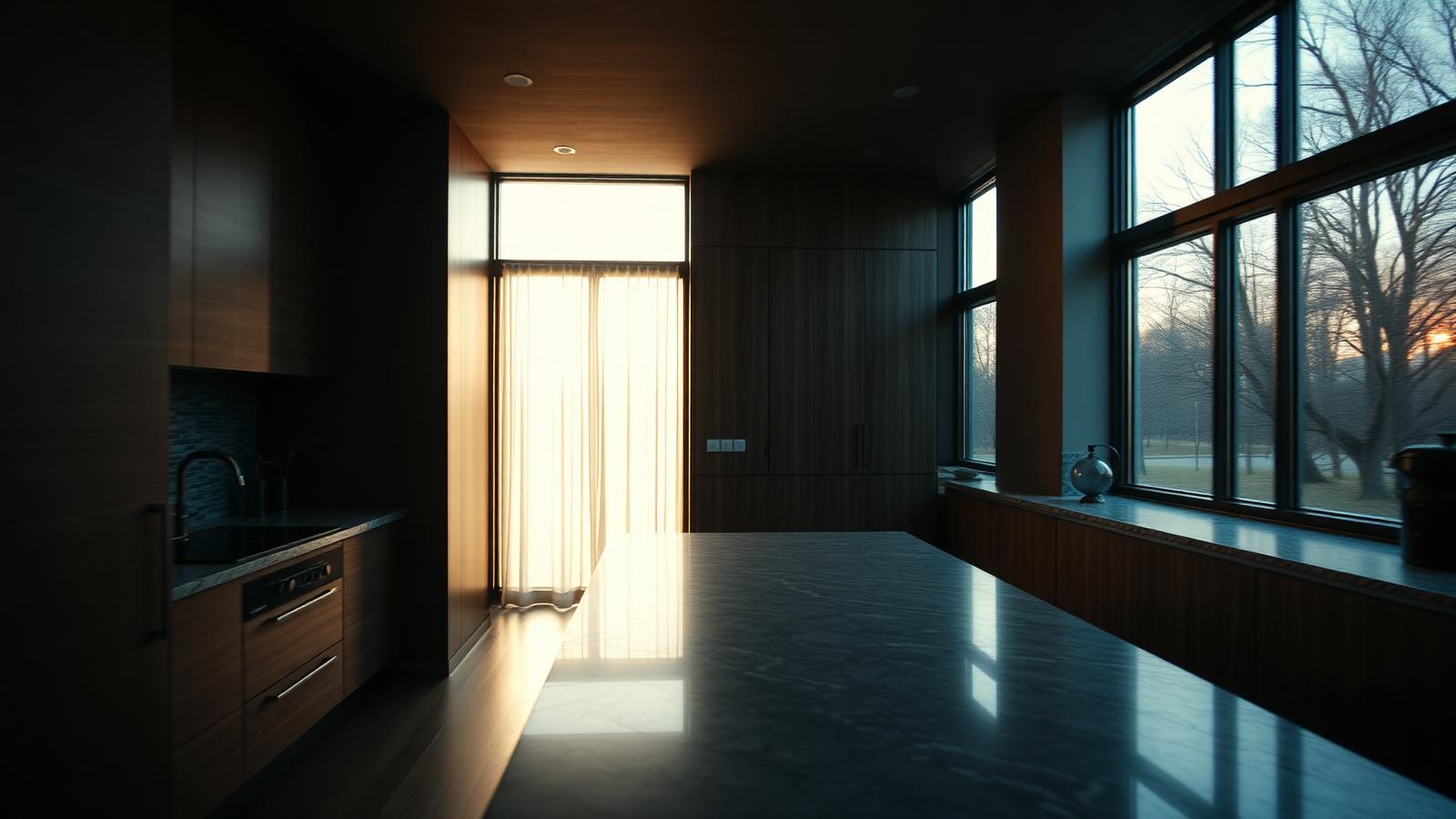
A film of the space you designed.
Dolly, pan or walkthrough — a single controlled camera move, with a stable horizon and no invented architecture.
See the AI Studio